Interactive 3D Gallery

Revolutionize your e-commerce experience with web-ready 3D models. These lightweight GLB files allow customers to inspect your product from every angle, zoom in on details, and even place it in their own space using AR.

View Examples How to Upload

Why Flat Images Are Costing You Sales

Modern consumers expect more. If they can't physically hold your product, an interactive 3D model is the ultimate way to build trust and prove your quality.

View in Space
View in 3D
Pro Controller - Elite
Textured grip surfaces

Bridge the Physical Gap

Shoppers hesitate when they can't inspect a product. GLB files let them freely spin, zoom, and explore every micro-detail of your engineering, completely removing buyer friction.

Slash Costly Returns

The #1 reason for e-commerce returns is "item didn't match description." 3D interactive models and AR placement guarantee the customer knows exactly what they are buying before checkout.

Future-Proof Your Brand

While your competitors rely on boring, flat JPEGs, your product pages become premium, high-tech interactive experiences. Stand out immediately and justify premium pricing.

The Old Way

Static Photography

Customers guess about details, size, and materials. 0 seconds of interaction.
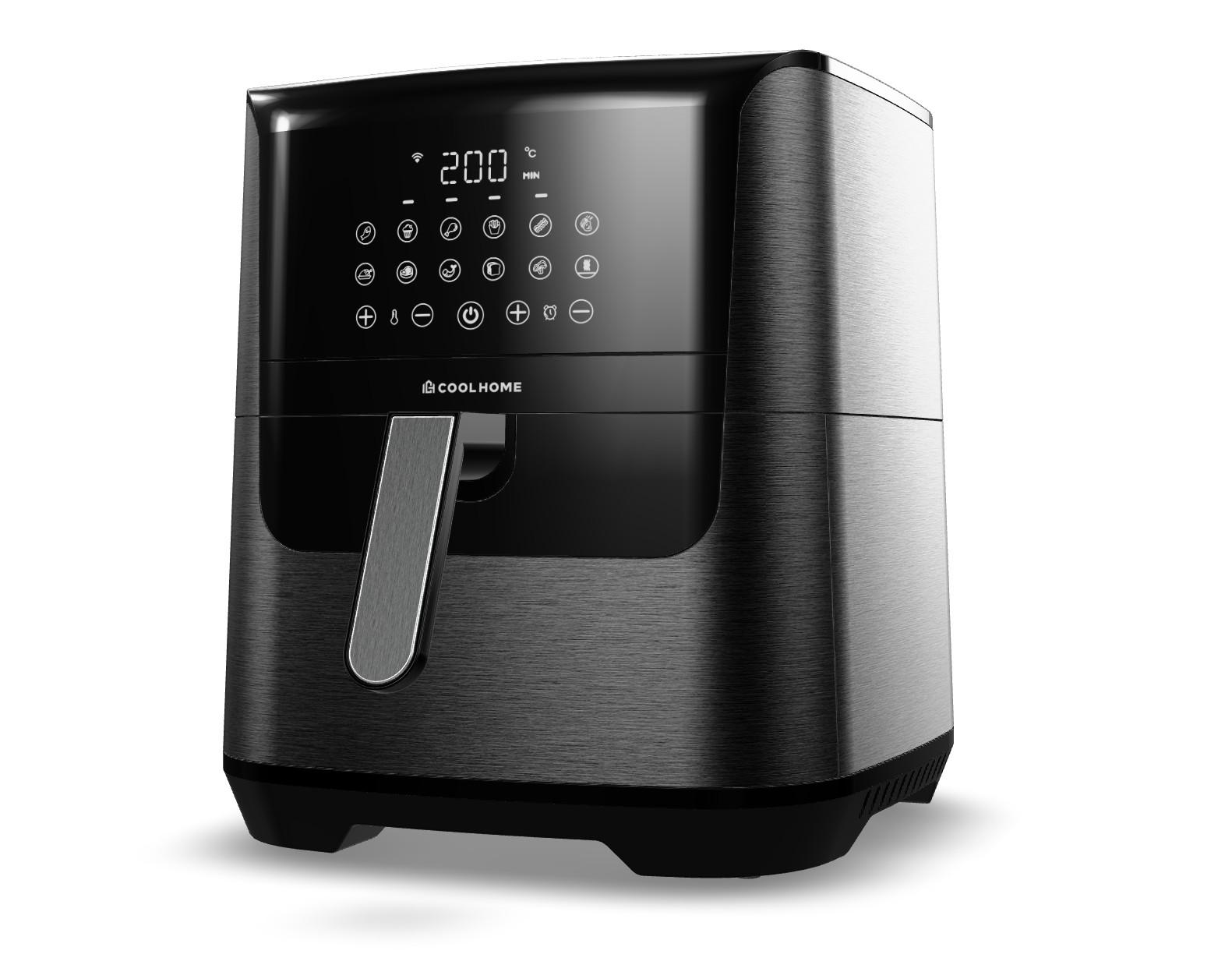
Static Product Image
The New Standard

Interactive 3D GLB

Customers spin, zoom, and explore. 2+ minutes of deep engagement.

View in Space
Drag to rotate, scroll to zoom

One Asset. Infinite Possibilities.

A GLB file is more than an interactive model on your website. Once I build your "Digital Twin," you own a permanent marketing engine that replaces physical photoshoots forever.

Web Viewer

Embed directly into Shopify, Amazon, or WooCommerce.

Studio Renders

Generate endless 4K lifestyle images on demand.

Video Ads

Use the same model to create cinematic social media reels.

Augmented Reality

Let buyers drop the product directly into their living room.

Optimized for E-Commerce

My deliverables are engineered to plug seamlessly into the world's leading retail platforms.

How It Works (What I Need)

No CAD? No Problem.

If you don't have engineering files, simply send me a few cell phone photos of your product and the dimensions. I will 3D model it completely from scratch.

1

Send Your Assets

Provide your native 3D CAD files (STEP, IGES) or standard reference photos. I can work with existing engineering files or model your product completely from scratch.

2

Optimization & Texturing

I clean the heavy geometry to ensure lightning-fast web loading speeds. Then, I apply hyper-realistic materials (brushed steel, glossy plastic, leather) so it looks exactly like the real thing.

3

Receive Web-Ready Files

You receive the final, universally accepted GLB and USDZ files. Simply upload them to your website's media library and watch your conversion rates climb.

How to Upload Your 3D Models

Using your new GLB files is exactly as easy as uploading a standard image.

Shopify Stores

1

Log in to Shopify

Access your Shopify Admin dashboard and navigate to the 'Products' tab.

2

Select Your Product

Click on the specific product you want to enhance with the 3D model.

3

Scroll to Media

Scroll down the page until you find the 'Media' section (where your images are).

4

Add the File

Click 'Add' or simply drag-and-drop the .glb file I provided right into the box.

5

Wait for Processing

Shopify will take a few seconds to process the 3D model automatically.

6

Save & Review

Click 'Save' at the top right. View your live product page to see the new interactive viewer!

Amazon (Brand Registered)

1

Seller Central

Log into your Amazon Seller Central account.

2

Navigate to Catalog

Click the main menu, hover over 'Catalog', and click 'Upload Images'.

3

Select 3D Models

At the top of the image upload page, click on the '3D Models' tab.

4

Enter Your ASIN

Type in the specific ASIN or SKU of the product you want the model linked to.

5

Upload the GLB

Click 'Upload', select the .glb file I provided, and submit it for review.

6

Wait for Approval

Amazon reviews and publishes the model within 24-48 hours, adding a 'View in 3D' button.

Custom Web & WooCommerce

1

Access Dashboard

Log into your WordPress, Wix, or custom CMS admin panel.

2

Upload to Media

Navigate to your Media Library and upload the provided .glb file.

3

Copy the URL

Once uploaded, click on the file and copy its direct URL link.

4

Edit Your Product

Open the product page or blog post where you want the 3D model to appear.

5

Paste the Code

Switch to 'Text/HTML' view and paste the 2-line code snippet I will provide you.

6

Insert Link & Publish

Replace the placeholder link in the code with your copied URL, and hit Publish!

Frequently Asked Questions

Will adding 3D slow down my website?
Not at all. I heavily optimize the 3D geometry and compress the textures specifically for e-commerce. Most of my GLB files are under 3MB, loading just as fast as a standard high-res image.
Does this work on mobile devices?
Yes! The models are fully responsive and natively supported by iOS and Android browsers. The Augmented Reality (AR) features work seamlessly on modern smartphones without requiring your customers to download any apps.
What if my product comes in different colors?
I can build a single model with interchangeable textures, or provide separate optimized files for each variant. This allows your customers to switch colors instantly on your product page.

Ready to make your products interactive?

Stop relying on flat images. Return to the chat to discuss your product and let's build an interactive experience that sells.